Knowledge Base – Page 20 – Telonic Instruments Ltd
Free Shipping logo FREE SHIPPING £75+ 50 years of Telonic Instruments Ltd logo CELEBRATING 50+ YEARS Price Match logo PRICE MATCH GUARANTEE

Knowledge Base
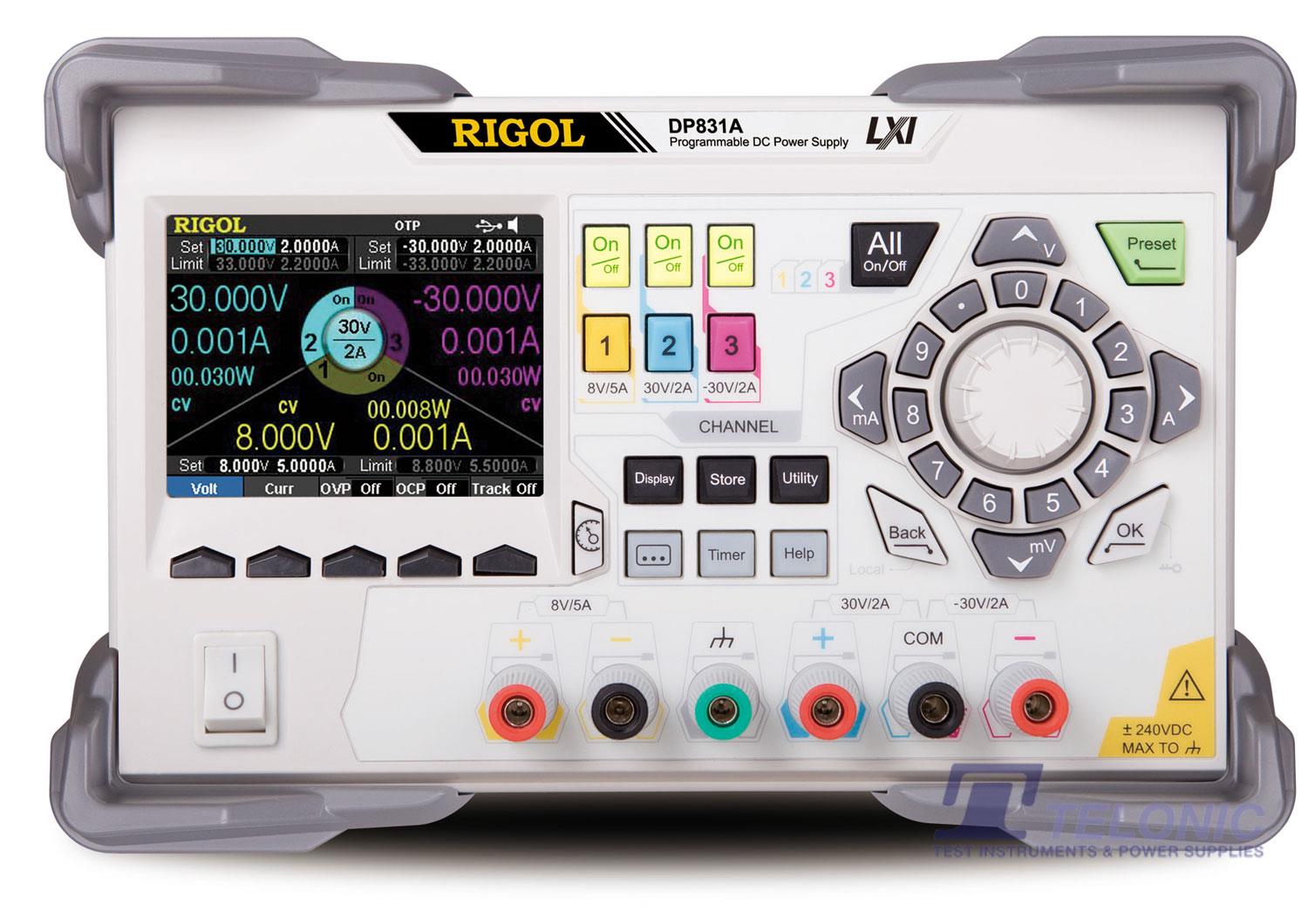
DP831A Telonic

DP800 Timer File Format

The DP800 can load Timer files that are created externally, these timer files need to be saved as CSV files and can be created using Excel.  Below shows an example of a timer file.  Note that the file cannot exceed 2048 steps. ...
DP831A Telonic

How to use the Timer Function on the DP800

The timer function can be used on the DP800A or the DP800 series if a Timer option has been installed. To create a Timer file on the instrument, press the “Timer” button and then press “Timer Set”.  Once you are in the Timer Set to enter a value you need to pre...
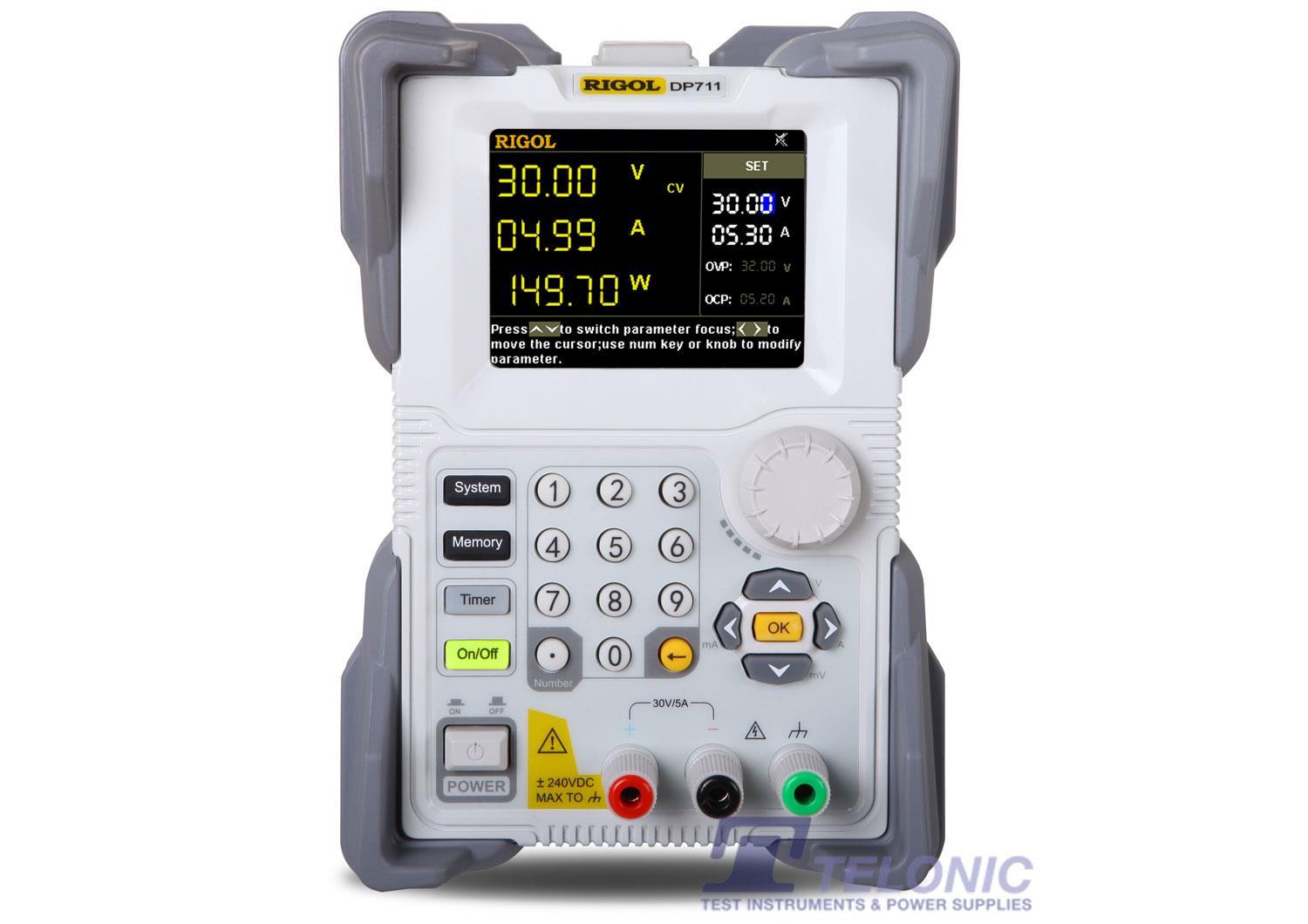
Rigol DP711 Front Telonic

Serial Cable for the DP700 series Power Supply

The DP700 series power supplies have a single serial I/O port. If you plan on programming the DP700 power supply from a PC you will need a USB to serial cable. An example is pictured here: ...
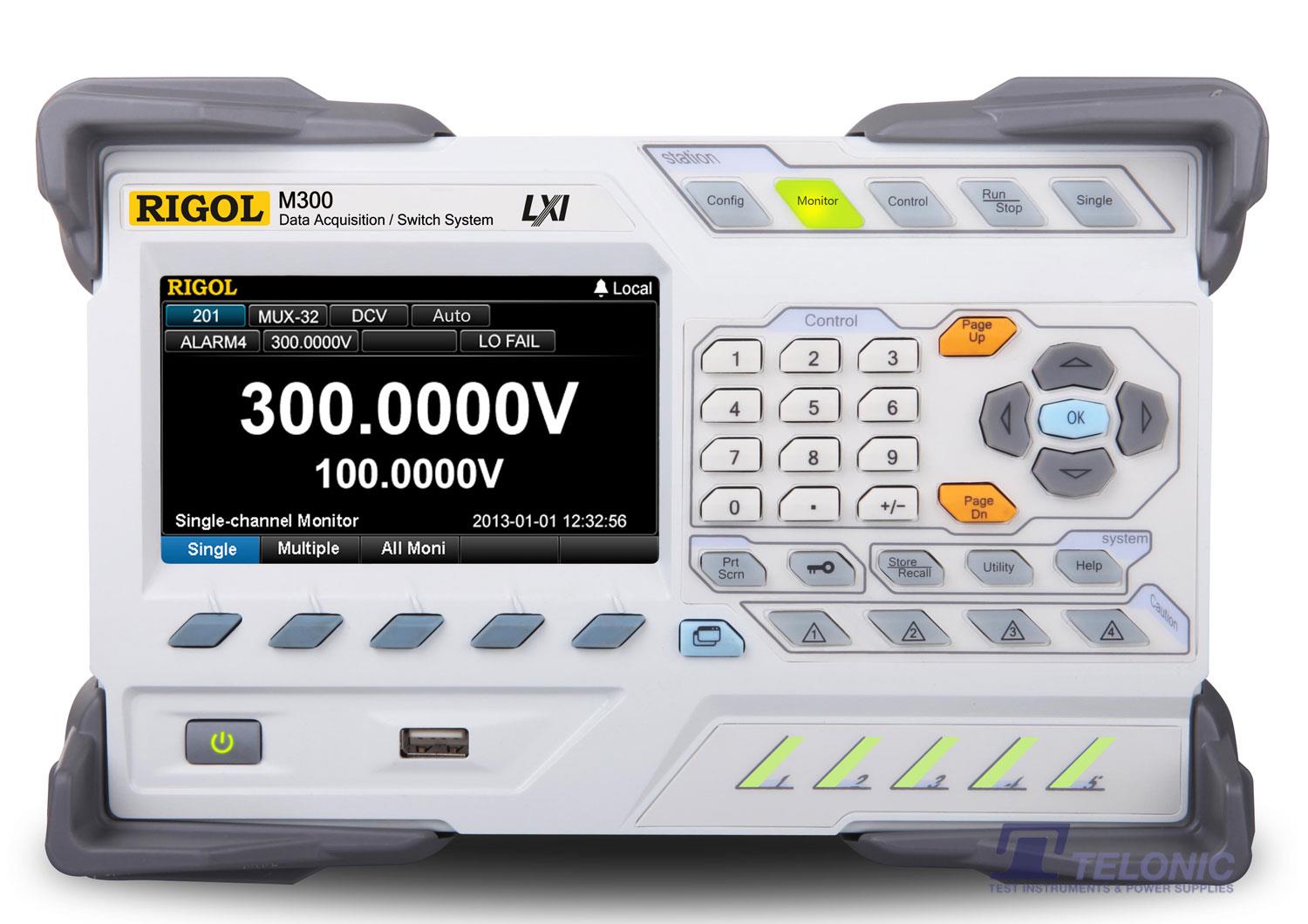
M300 FRONT

What are the mating connectors for the MC switch modules used with the M300?

...
M300 FRONT

MC3065 DMM Module is not recognized by the M300 mainframe

The Rigol MC3065 DMM module is designed for use with the RIgol M300 switch/DMM data acquisitionsystem.If the MC305 module is not recognized, there are a few steps that can help to isolate the cause of theproblem....
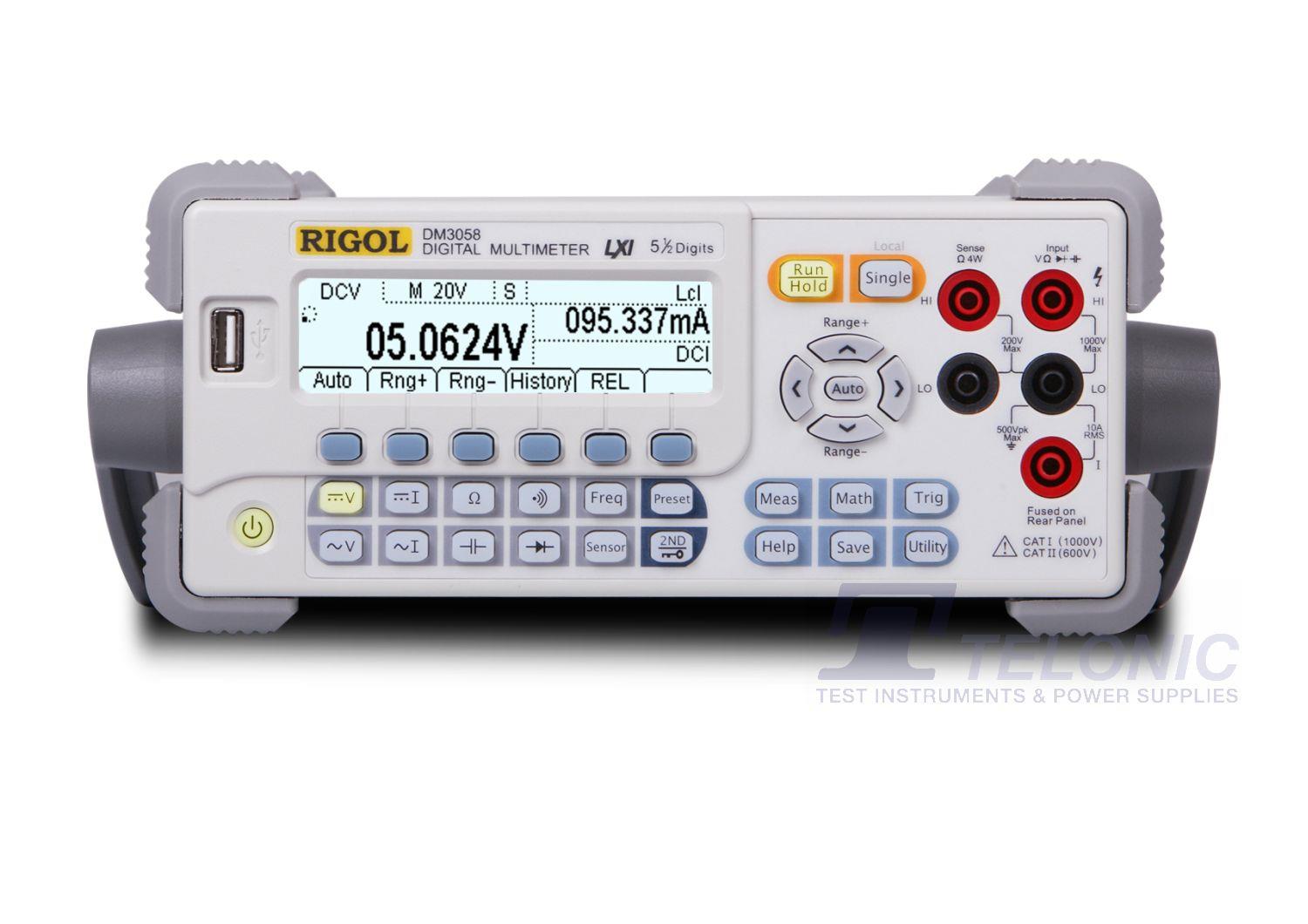
Rigol DM3058 Digital Multimeter front

How do I convert Anysensor (*.xsda) DMM Data to CSV?

The attached software and instructions can be used to convert Anysensor (*xsda) data to CSV. Software has been tested on Win XP, Win 7 32 and 64 bit Operating Systems. Download it from here....
Rigol DM3058E Digital Multimeter front

DMM RS-232 Communication

RIGOL DMMs require a Null Modem Cable connection.Each line should terminate in a carriage return followed by a line feed ("/r/n")These settings should enable you to connect to the DMM in Serial mode....
Rigol DM3058E Digital Multimeter front

How do I find the serial number and firmware revision of my DM3058 or DM3068?

Here are the steps for determining the serial number and firmware revision of your DM3000 series of DMM. 1. Press the Utility button2. Press the T/C softkey3. Press the Info softkeyNOTE: You can use the Range Up and Down arrows to move through ...
Rigol DM3058E Digital Multimeter front

How do I view the full version information for the DM3068?

Follow the steps below:1. Press 'Utility'2. Select 'T/C'3. Hold the fifth key for 3s to show the ex version4. Hold the same key for 3s to hide the ex version...
Rigol DM3058E Digital Multimeter front

DM3068 LabVIEW example code for maximum data rate

The DM3068 is capable of a reading rate of 2000 readings/sec when controlled via USB, Ethernet, or serial bus. This article provides the sequence of commands to enable DCV measurements at the fastest rate. The LabVIEW 2010 VI ...
Rigol DM3058E Digital Multimeter front

DM3068 LabVIEW 2010 example of basic function measurements

We created DM3068Basic.VI to allow users  to remotely program Rigol DM3068 Digital Multimeters. It is built using LabVIEW 2010 and utilizes National Instruments VISA for communication over USB.The program allows users to select from a number of basic instrument functions, like DC Volts, AC Current, and resistance. It also allows the user to define a number...
Rigol DM3058E Digital Multimeter front

UltraView Data Trend

Data Trend will not initialize with the default folder selected:C:\Program Files (x86)\RIGOL\Ultra Sigma\Changing the folder will fix this issue. For example changing the folder to "D:\Rigol" will allow D...

Sub Categories

Application Notes

Knowledge Base AC Power Supplies

Knowledge Base PCR-LE Series (3)

Knowledge Base PCR-MA Series (3)

Knowledge Base PCR-WE/WE2 Series (3)

Knowledge Base Data Acquisition Systems

Knowledge Base M300 Series (2)

Knowledge Base DC Power Supplies

Knowledge Base DP700 Series (8)

Knowledge Base DP800 Series (26)

Knowledge Base PBZ Series (3)

Knowledge Base PMX-Multi Series (3)

Knowledge Base PWR-01 Series (3)

Knowledge Base SPD1000X (5)

Knowledge Base SPD3000X/X-E Series (6)

Knowledge Base Digital Multimeters

Knowledge Base DM3000 Series (21)

Knowledge Base SDM3000 Series (6)

Knowledge Base Digital Oscilloscopes

Knowledge Base DS1000 Series (46)

Knowledge Base DS2000 Series (36)

Knowledge Base MSO/DS7000 Series (35)

Knowledge Base MSO5000 Series (35)

Knowledge Base MSO8000 Series (32)

Knowledge Base SDS1000X-E Series (15)

Knowledge Base SDS2000X-E Series (15)

Knowledge Base SDS5000X Series (15)

Knowledge Base Electrical Safety Analysers

Knowledge Base TOS9300 Series (3)

Knowledge Base Electronic Loads

Knowledge Base DL3000 Series (2)

Knowledge Base PLZ-5W Series (3)

Knowledge Base PLZ-5WH Series (3)

Knowledge Base PLZ-5WH2 Series (3)

Knowledge Base SDL1000X Series (5)

Knowledge Base RF Signal Generators

Knowledge Base DSG800 Series (2)

Knowledge Base SSG3000X Series (4)

Knowledge Base Spectrum Analysers

Knowledge Base DSA800 Series (70)

Knowledge Base RSA3000 Series (32)

Knowledge Base RSA5000 Series (31)

Knowledge Base SSA3000X Plus Series (2)

Knowledge Base SSA3000X Series (15)

Knowledge Base SSA3000X-R Series (1)

Knowledge Base SVA1000X Series (13)

Knowledge Base Waveform Generators

Knowledge Base DG1000 Series (14)

Knowledge Base DG4000 Series (14)

Knowledge Base SDG1000X Series (10)

Knowledge Base SDG2000X Series (11)

Knowledge Base SDG6000X Series (11)

Knowledge Base SDG800 Series (10)