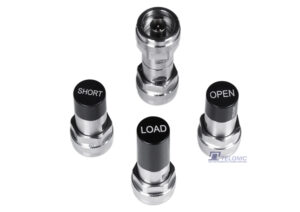
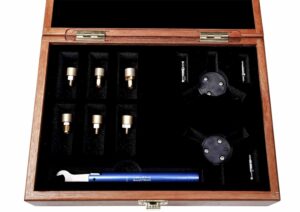
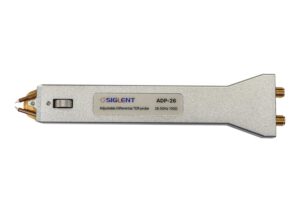
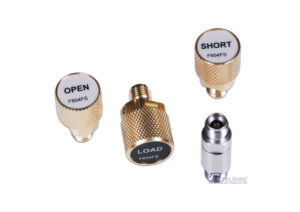
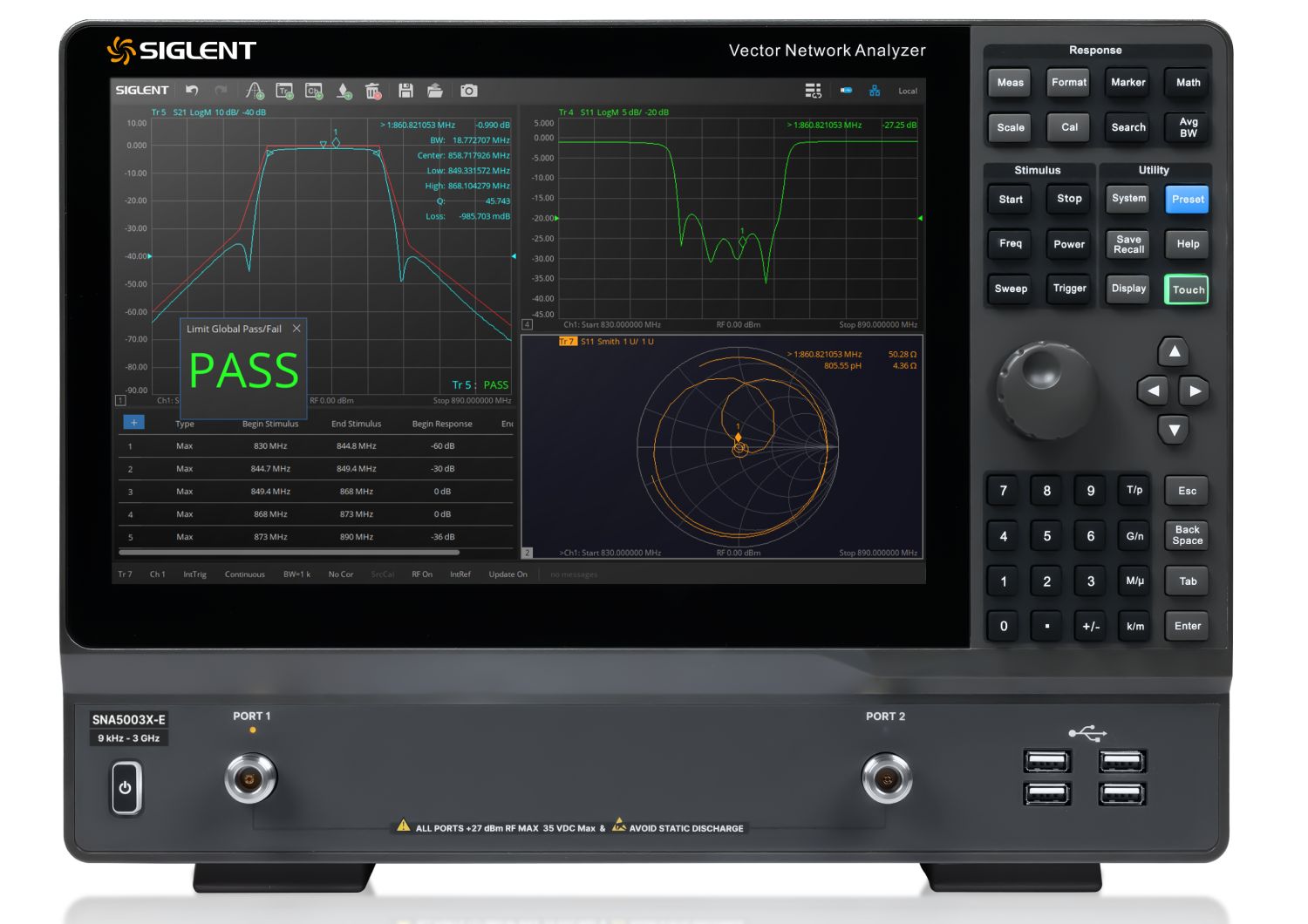
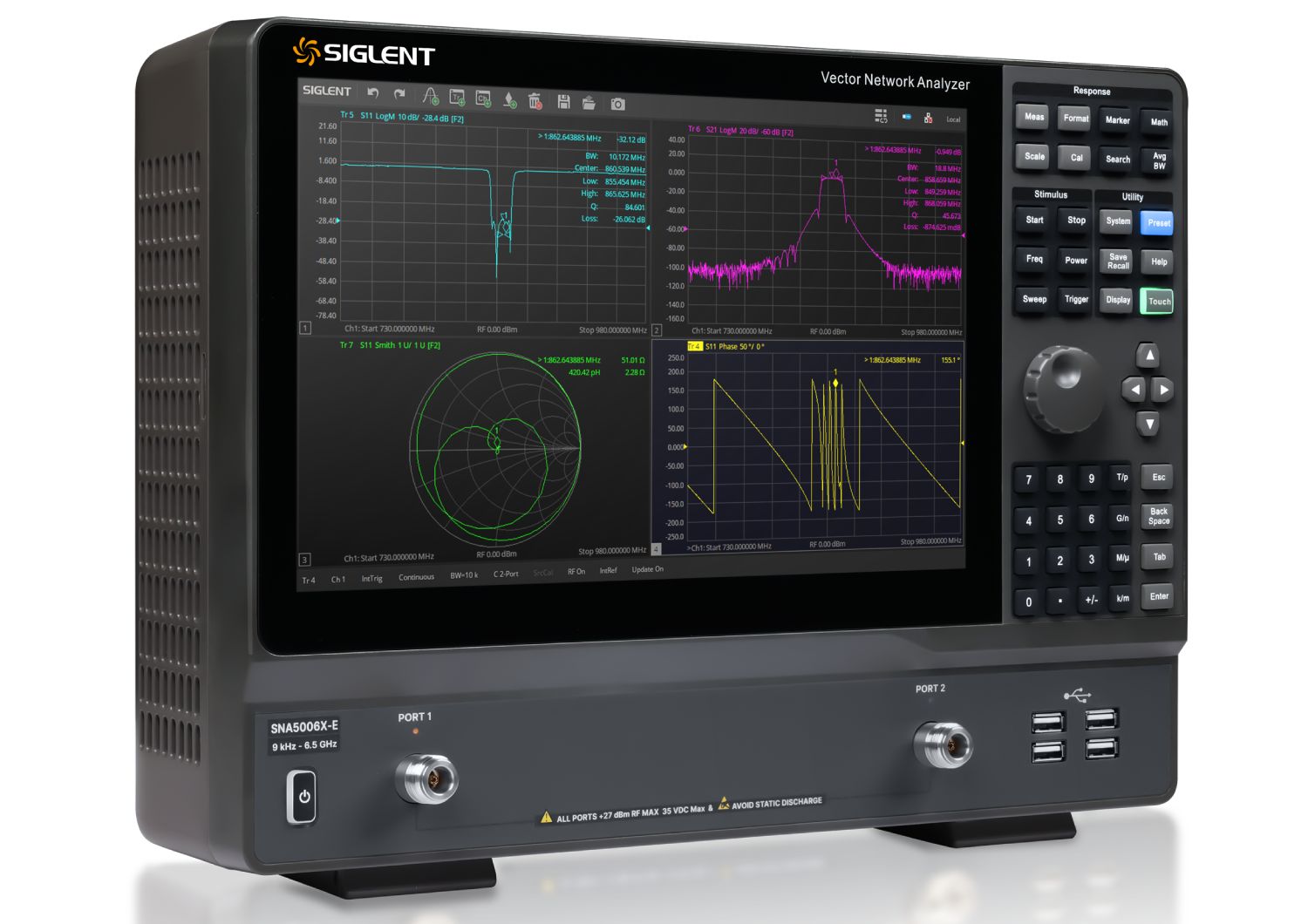
The SNA5003-E VNA, included in the SIGLENT SNA5000X-E series of Vector Network Analysers, has a frequency range of 9 kHz to 3 GHz and supports 2-port scattering-parameter, differential-parameter, and time-domain parameter measurements. The SNA5000X-E series of VNAs is effective instrumentation for determining the Q-factor, bandwidth, and insertion loss of a filter. They feature impedance conversion, movement of the measurement plane, fixture simulation, and adapter removal/insertion adjustments. The VNAs have five sweep types: Linear-Frequency mode, Log-Frequency mode, Power-Sweep mode, CW-Time mode, and Segment-Sweep mode. The SNA5000X-E series VNAs also support scattering-parameter correction for SOLT, SOLR, TRL, Response, and Enhanced Response, providing increased flexibility in R&D and manufacturing applications.
Key Features
Frequency range: 9 kHz –3 GHz
Frequency resolution: 1 Hz
Level resolution: 0.05 dB
Range of IFBW: 1 Hz~10 MHz
Setting range of output level: -40 dBm ~ +10 dBm
Dynamic range: 125 dB(typ.)
Types of calibration: Response calibration, Enhanced Response calibration, Full-one port calibration, Full-two port calibration, TRL calibration
Remote control: SCPI/ Labview/ IVI based on USB-TMC / VXI-11 / Socket /Telnet / WebServer
12.1-inch touch screen
Video output: HDMI
Applications
RF signal analysis and troubleshooting
Spectrum monitoring and interference detection
Wireless communication testing (Wi-Fi, Bluetooth, cellular)
EMI/EMC pre-compliance testing
Broadcast and audio signal analysis
Radar and satellite signal analysis
Component and circuit design validation
Production testing and quality control
Educational and research laboratory use
Field service and maintenance diagnostics
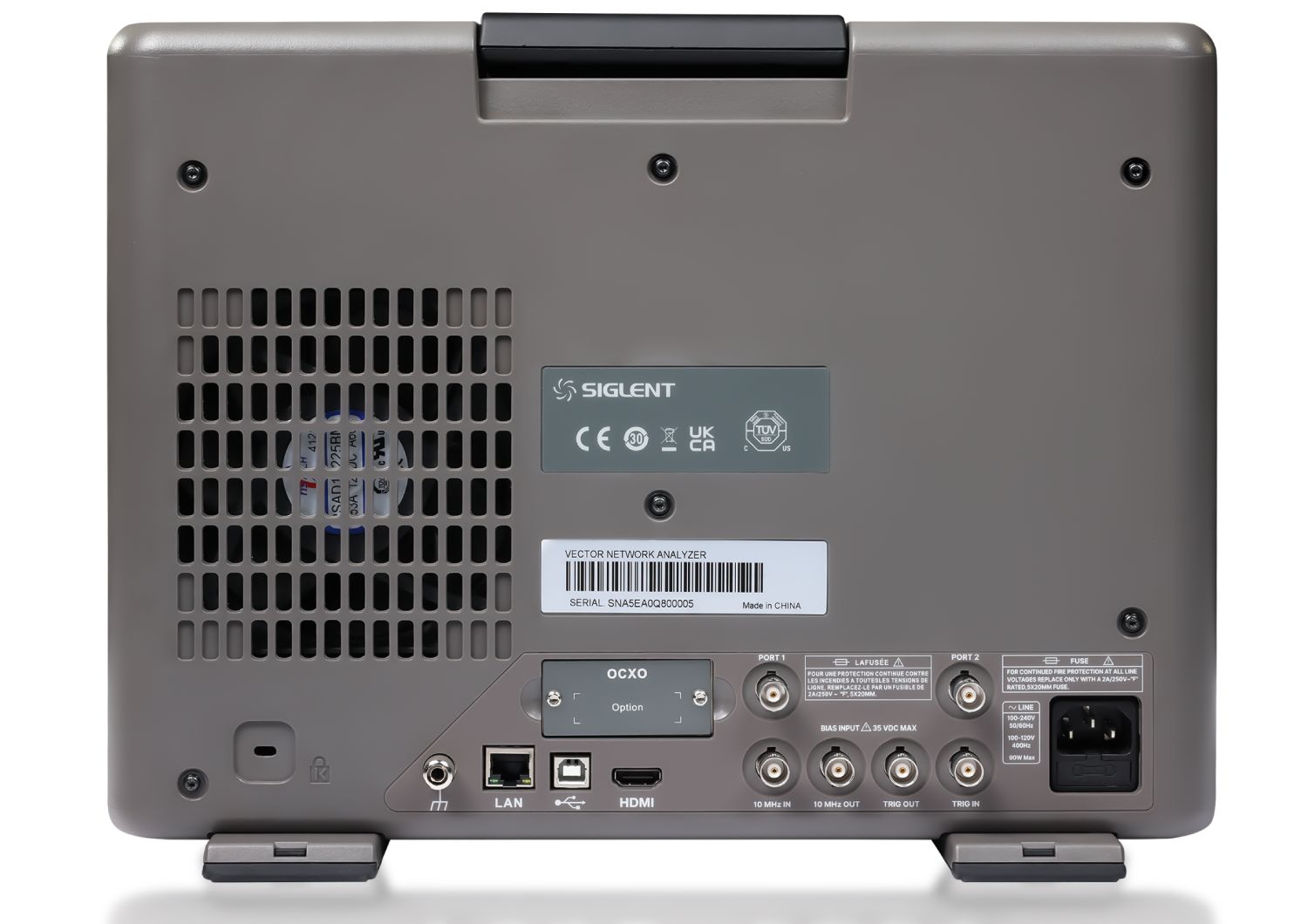
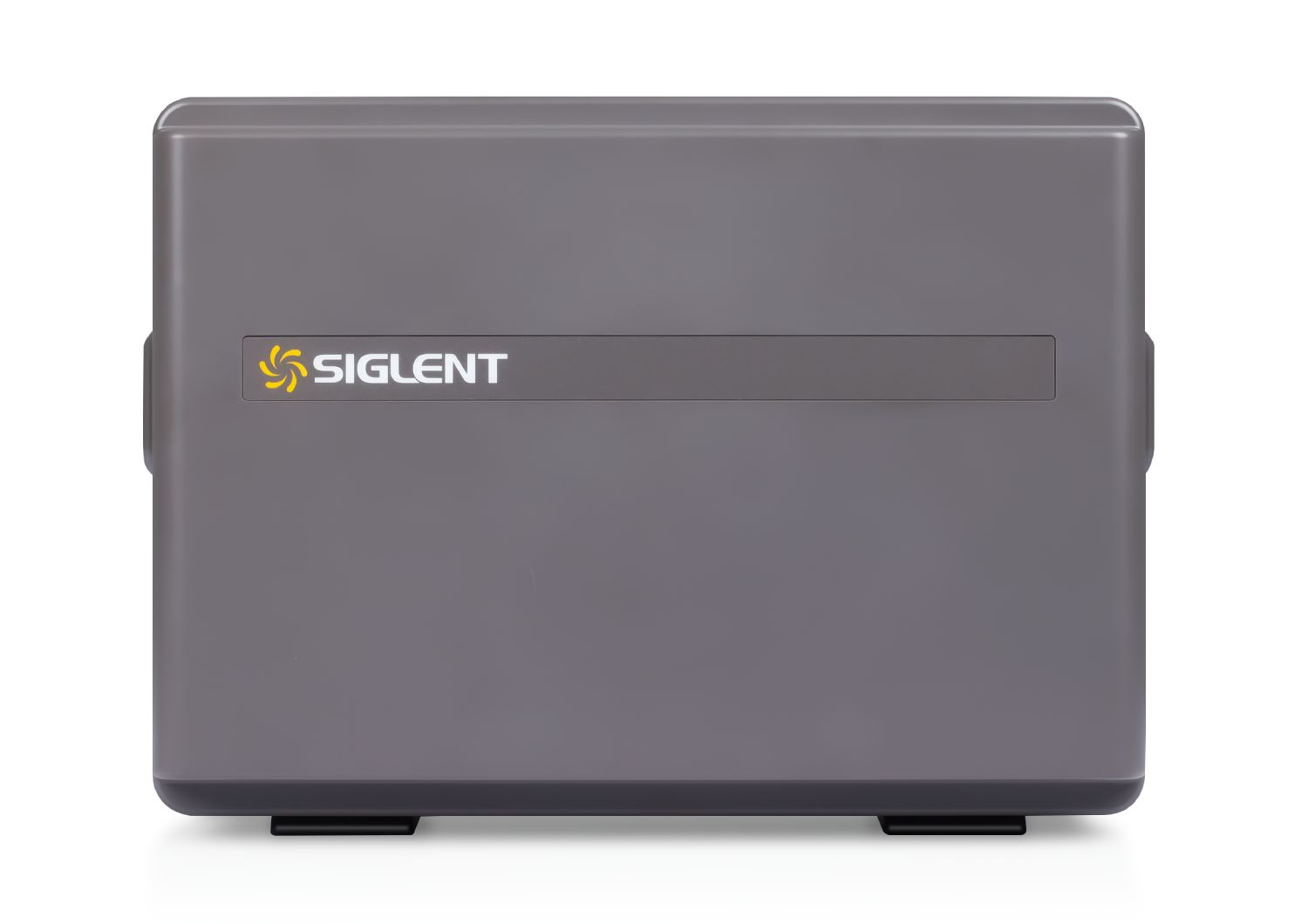
Product Images
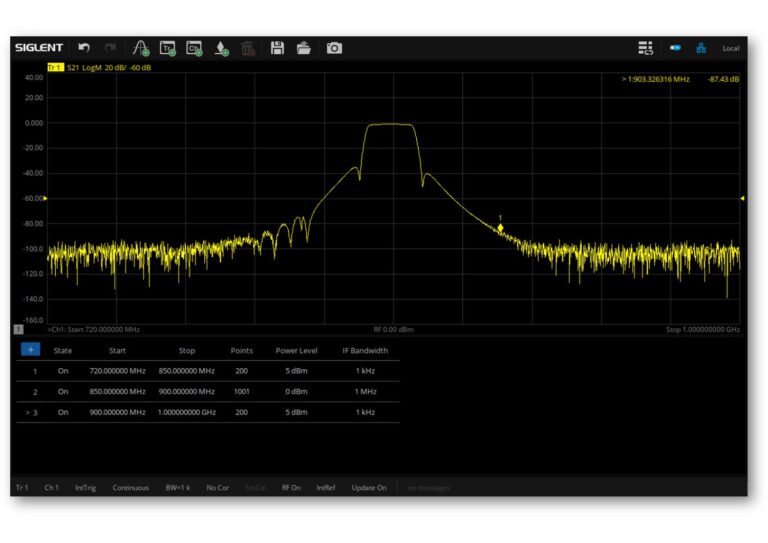
Segment Sweep
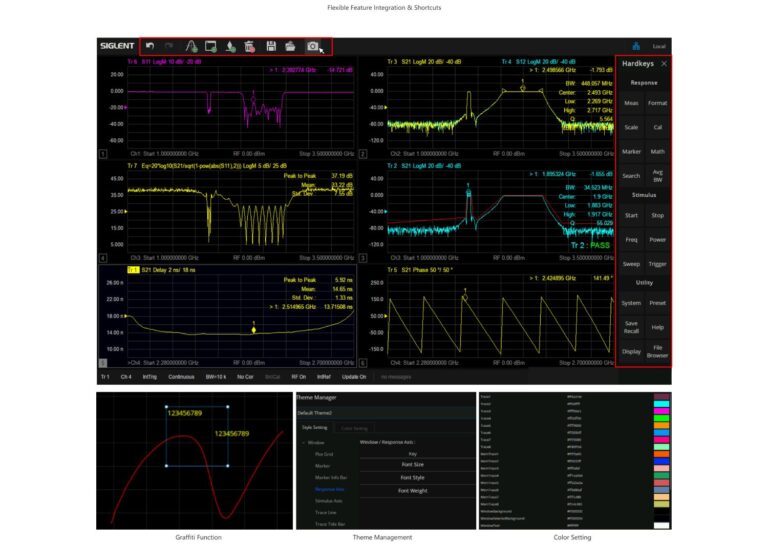
User-Friendly Interface
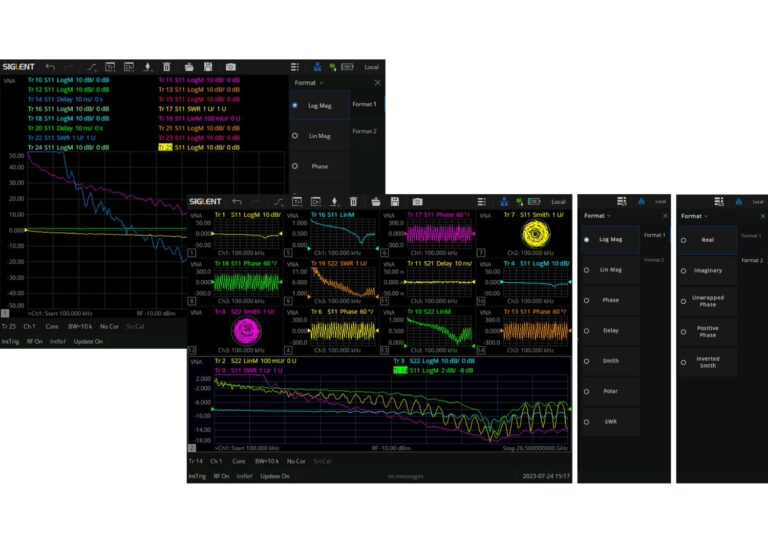
Multi-Window & Multi-Trace Display
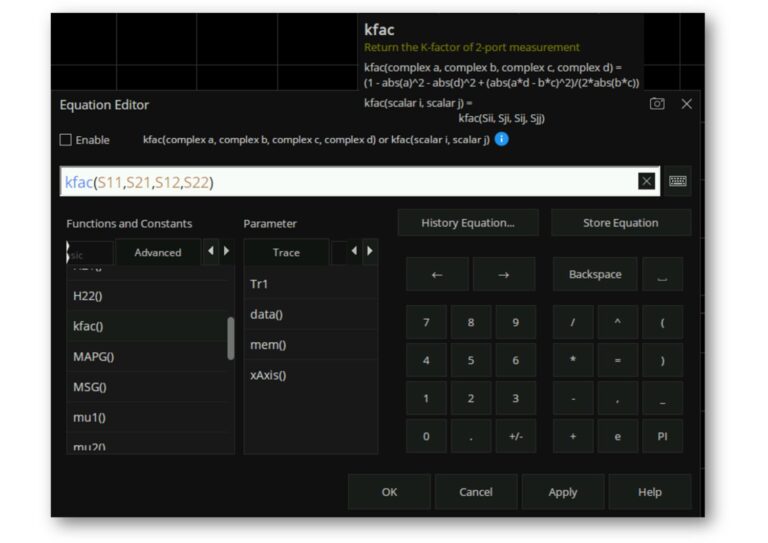
Formula Editor
Data Analysis
Trace Operations
×
Optimizing Speed and Accuracy
Dynamically optimize scan paths with tailored excitation conditions.
Efficient operation mode, double-click to directly edit parameters, manage with a visual list.
Fewer scan points should be set within the passband, with larger IFBW to reduce sweep time.
More scan points should be set outside the passband, with smaller IFBW to enhance measurement accuracy.
Flexible parameter configuration, supporting division of sweep segments by frequency sub-sweeps, with independent settings for points / frequency range / IF bandwidth per segment.
Virtual Keypad
Operate the instrument without using front‑panel function keys.
Information Display Area
Tap to quickly configure corresponding parameters.
Screensavers
Supports energy‑saving sleep mode with customizable hibernation time for reduced power consumption.
Graffiti Function
Draw graphics and mark information to help users focus better.
Theme Management
Flexibly adjust trace thickness, XY‑axis font styles, grid lines, etc.
Color Setting
Independently set colors for current/historical traces, grid lines, axes, etc.
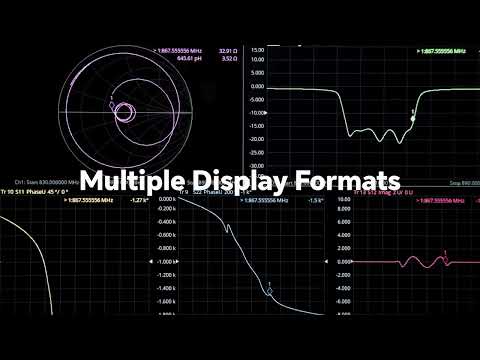
Multi-window Display
Supports up to 256 channels
Supports up to 256 measurement windows
Each window can display 64 test traces at the same time
Each window can display different measurement formats with independent cursor functions.
The simultaneous display of multiple data formats is helpful to understand DUT from different angles.
Flexible Formula Editor Function
Built-in rich library of common and advanced functions.
User-friendly parameter hints.
Allows input of algebraic formulas using standard mathematical operators and functions, and references data available within the VNA.
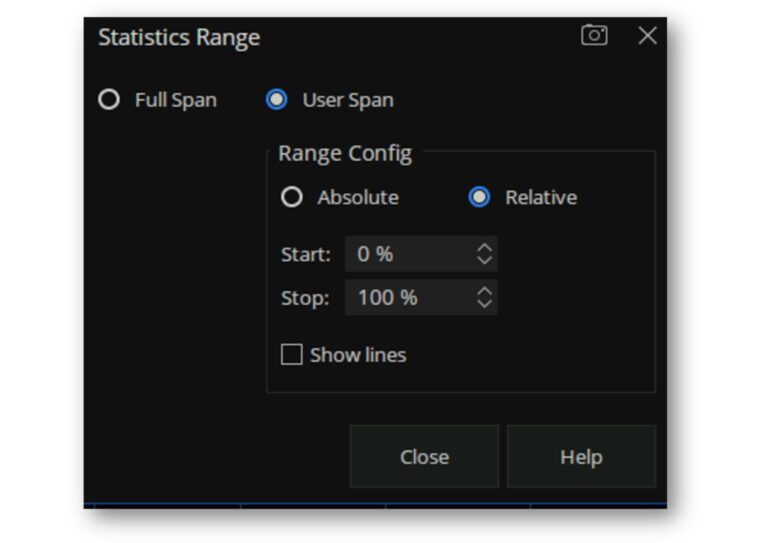
Trace Statistics
Automatically displays the mean, standard deviation, and peak-to-peak values of the current active trace, enabling users to quickly read measurements.
Allows setting the statistical range to the full span or a user-defined span.
Useful for testing in-band indicators of band-limited devices such as filters.
Impedance Conversion and Matching
Converts the S-parameters of the current trace to the desired parameter mode.
Supports 8 conversion types.
Enables flexible adjustment of port impedance to adapt to fixtures with different interface standards.
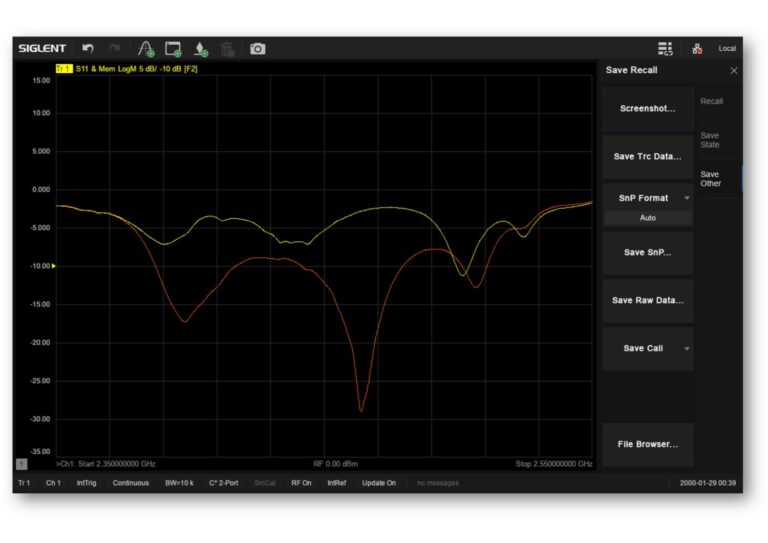
Data / Memory
Supports saving the current data trace in memory.
Facilitates comparison between current and historical data.
Three display modes: data traces only, memory traces only, or both data and memory traces simultaneously.
Four mathematical operations for data and memory traces:
Data / Memory, Data * Memory, Data + Memory, Data - Memory.
This website uses cookies to improve your experience. You can change your preferences at anytime from our Privacy Policy page. Cookie SettingsAccept
Privacy & Cookies Policy
Privacy Overview
This website uses cookies to improve your experience while you navigate through the website. Out of these, the cookies that are categorized as necessary are stored on your browser as they are essential for the working of basic functionalities of the website. We also use third-party cookies that help us analyze and understand how you use this website. These cookies will be stored in your browser only with your consent. You also have the option to opt-out of these cookies. But opting out of some of these cookies may affect your browsing experience.
Necessary cookies are absolutely essential for the website to function properly. This category only includes cookies that ensures basic functionalities and security features of the website. These cookies do not store any personal information.
Any cookies that may not be particularly necessary for the website to function and is used specifically to collect user personal data via analytics, ads, other embedded contents are termed as non-necessary cookies. It is mandatory to procure user consent prior to running these cookies on your website.
 FREE SHIPPING £75+
 CELEBRATING 50+ YEARS
 PRICE MATCH GUARANTEE







 SNA5000A User Manual