
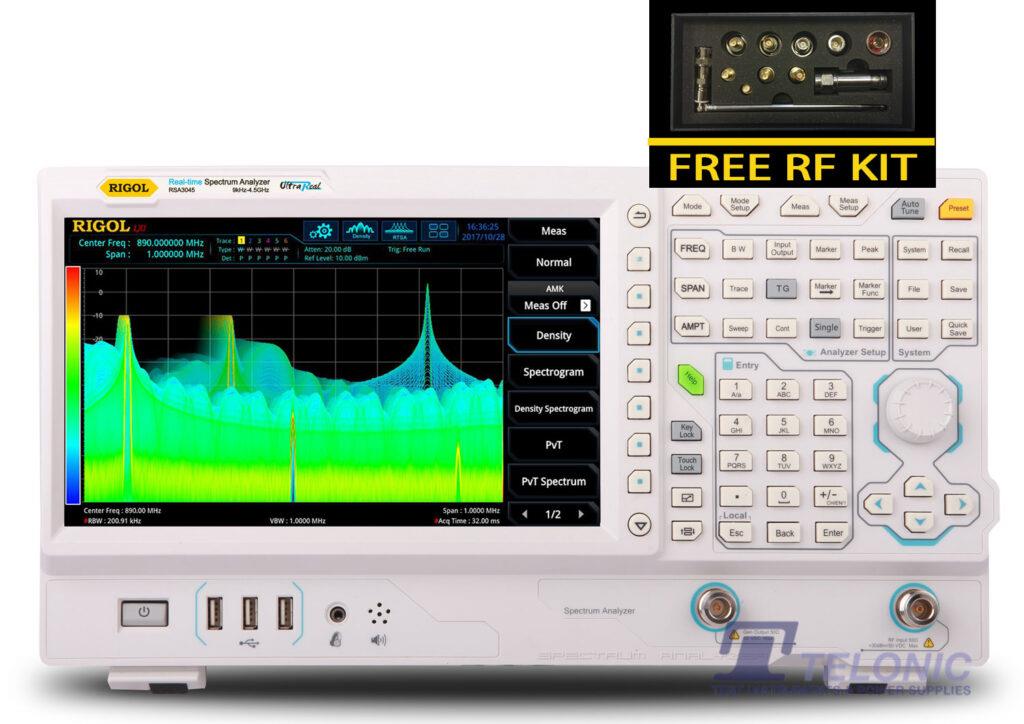
How to use Limit Lines in EMI mode
Access the built in limit lines or configure your own for custom testing. Use the limits and margins when searching for signals of interest or for interactive measurements using multiple detectors.
Read more FREE SHIPPING £75+
 CELEBRATING 50+ YEARS
 PRICE MATCH GUARANTEE
From the blog
Access the built in limit lines or configure your own for custom testing. Use the limits and margins when searching for signals of interest or for interactive measurements using multiple detectors.
Read more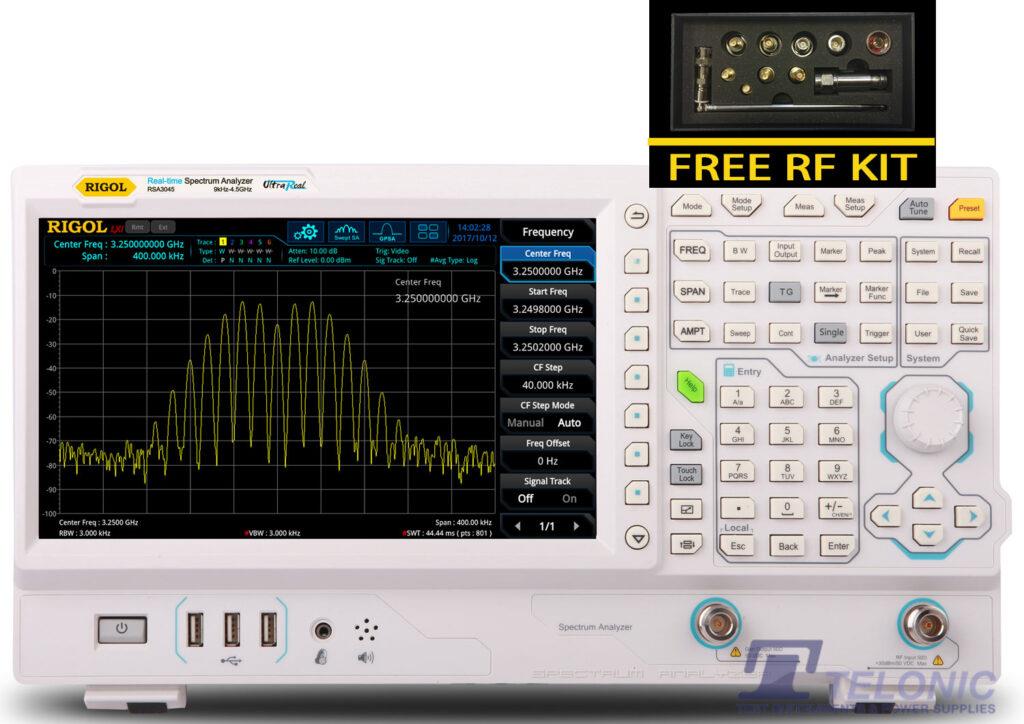
Learn how to update the RSA3000 Series Firmware.
Read more Built-in scan table with independent settings for each range make it easy to configure complex scans with multiple detectors all on one screen.
Read more Analyse data from a completed scan against limit lines and search for peaks. Isolate these signals for further examination automatically.
Read more Once the testing and debugging is complete, use the EMI Measurement Application to generate complete test reports with notes, screenshots, and data. Integrate test, debug, and reporting all on one platform for…
Read more An important first step for Pre-Compliance is selecting the detectors to start with. Different detectors may limit your sweep speed and change the meaning of the results. Learn how to set up…
Read more Pre-Compliance testing is about more than just recording emissions. Use the EMI Application to compare between board revisions making sure the product is getting close to compliance as it gets closer to…
Read more EMI Mode shows live measurements of markers or signals against multiple detectors simultaneously simplifying comparison and analysis.
Read more For DSA875/832/832E: If you experience a defective UltraSpectrum display while connected to a DSA875/DSA832/DSA832E series spectrum analyser, the most likely cause is due to a UltraSpectrum and firmware version mismatch. To correct the…
Read more
The following attachment contains an Excel 2010 worksheet and instructions on converting the binary recorder (*ROF) data from a DP800 power supply to decimal. Download the ZIP package here.
Read more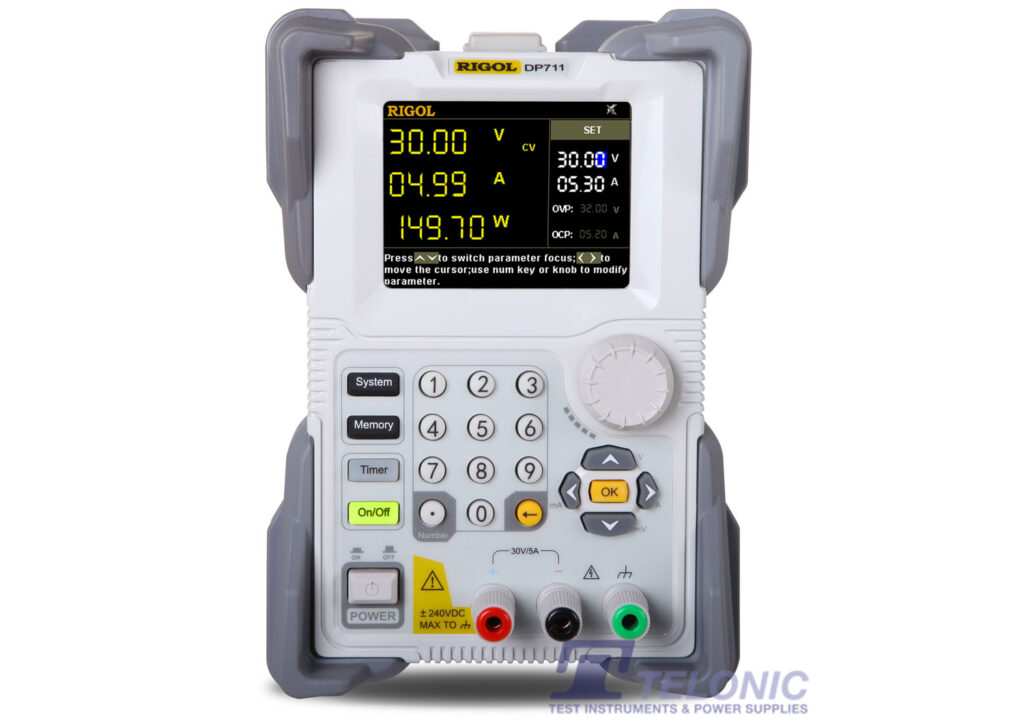
Our power supplies are isolated power supplies. So when you connect to the black negative terminal you have connected your DUT to an isolated channel. Where as if you connect to the…
Read more The maximum power consumption of DP832/DP832A is 418 Watts.
Read more